오늘 · 하루 계획
하루의 매 순간을 조금 더 또렷하게
손목에서 시각적 계획을 확인하세요. 오늘의 할 일은 언제든지, 오전, 오후, 저녁으로 나뉘어 표시돼요. 각 할 일의 이름, 시작·종료 시간, 소요 시간, 색상과 아이콘을 한눈에 볼 수 있어, 끝낸 일과 앞으로 할 일을 쉽게 파악할 수 있어요.


Apple Watch용 Tiimo
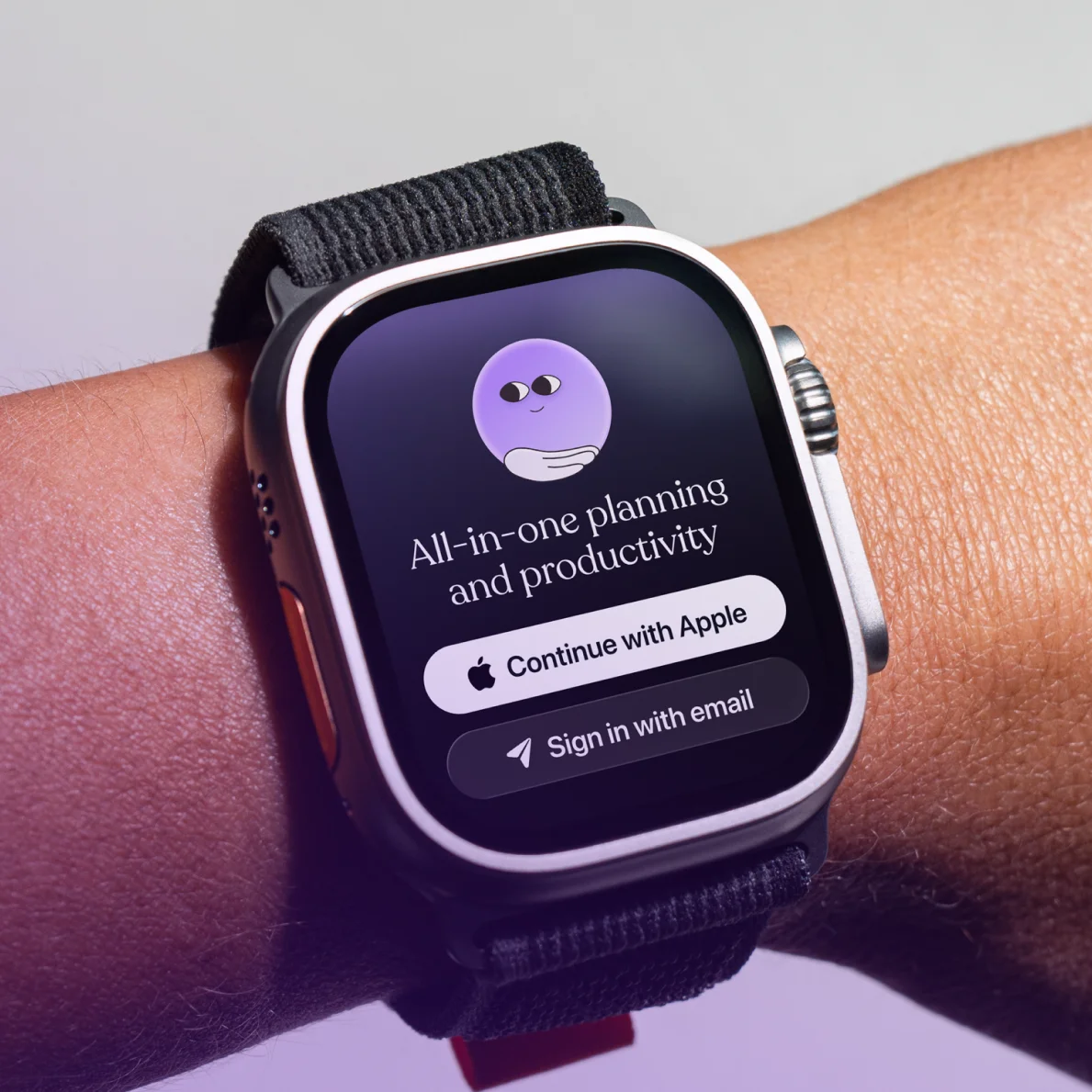
Apple Watch용 Tiimo로 언제든 계획을 확인하세요. 다음 할 일을 살펴보고, 목록을 찾고, 손목에서 집중 타이머를 확인할 수 있어요. 머릿속에 담아둘 것은 줄이고, 다음 단계는 더 또렷하게.
오늘 · 하루 계획
손목에서 시각적 계획을 확인하세요. 오늘의 할 일은 언제든지, 오전, 오후, 저녁으로 나뉘어 표시돼요. 각 할 일의 이름, 시작·종료 시간, 소요 시간, 색상과 아이콘을 한눈에 볼 수 있어, 끝낸 일과 앞으로 할 일을 쉽게 파악할 수 있어요.

목록 · 할 일 목록
장보기부터 미뤄뒀던 일까지, 할 일 목록을 언제든 확인하세요. Apple Watch에서 모든 목록을 살펴볼 수 있어요. 할 일이 높은 우선순위, 중간 우선순위, 낮은 우선순위로 나뉘어 있어 무엇부터 신경 쓰면 좋을지 쉽게 알 수 있어요.
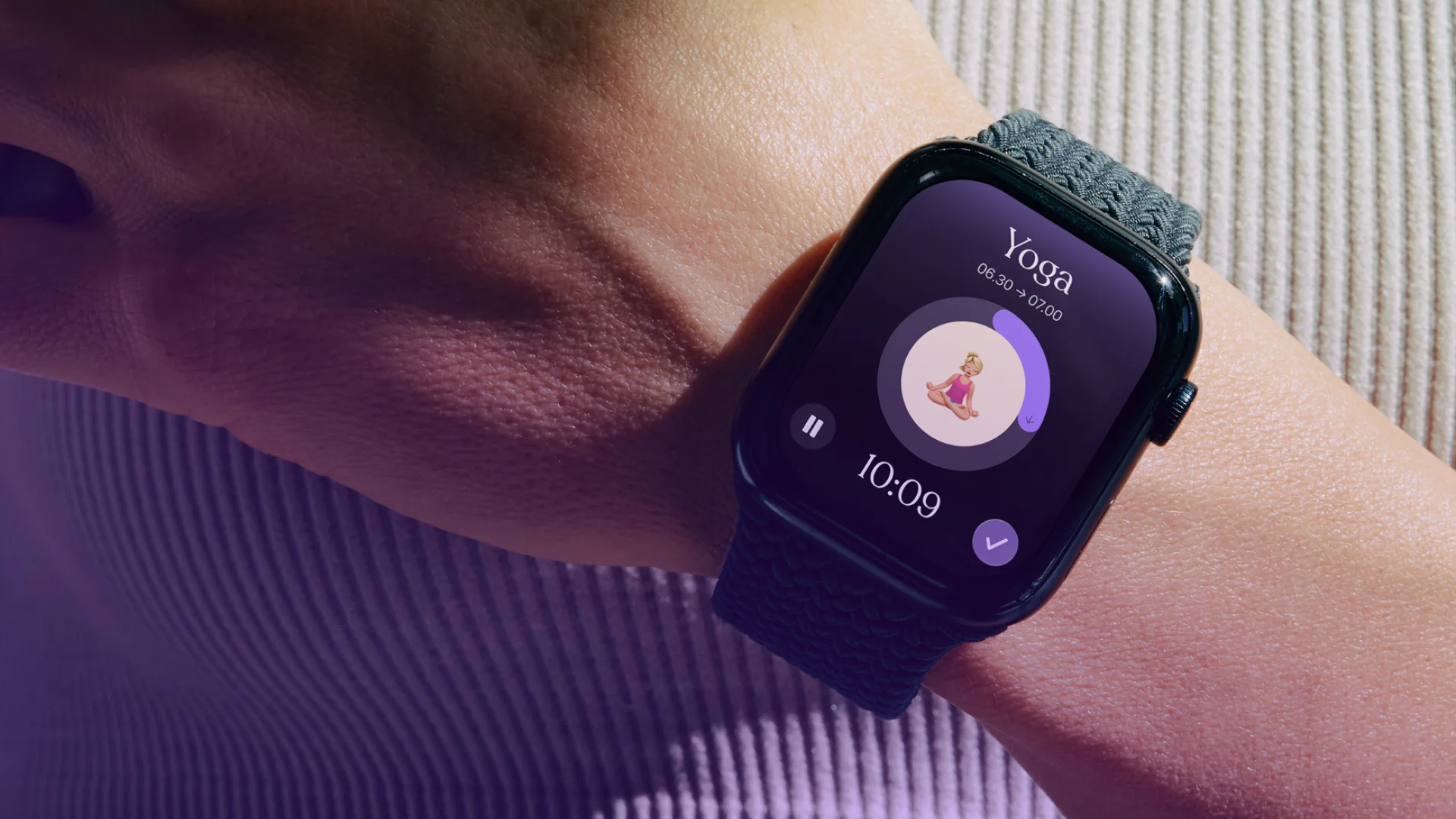
집중 · 시각적 타이머
손목의 시각적 집중 타이머로 시간의 흐름을 더 쉽게 파악하세요. 카운트다운이 진행되는 동안 할 일의 이름, 시작·종료 시간, 아이콘과 하위 작업을 확인할 수 있어요. 할 일을 완료로 표시하거나, 1분을 더하거나, 타이머를 일시 정지할 수 있어요. 새롭게 시작하고 싶을 땐 타이머를 다시 시작하세요.
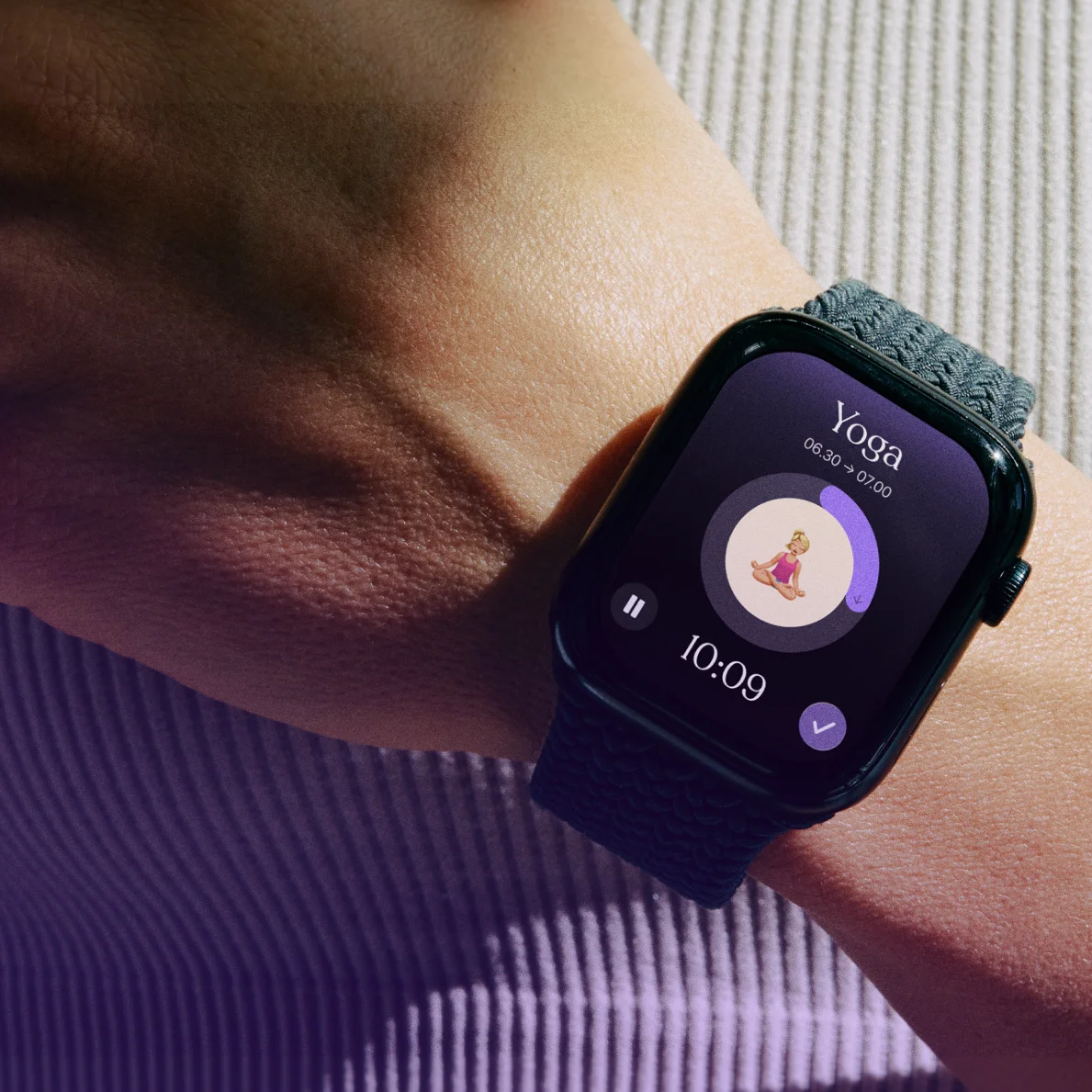
손목을 잠깐 확인하는 것만으로도 다시 계획에 집중할 수 있어요. 어디든 함께하는 할 일, 목록, 집중 타이머로 하루에 여유를 만들어 보세요.
지금 Tiimo 사용해 보기